

Design
Build your layout in the HTML, CSS and JavaScript editors, drawing on reusable BlockLab content and your preferred libraries.
Desktop
Mobile
BlockLab Studio is Symphony Commerce's design workspace for bespoke website experiences. Write HTML, CSS and JavaScript, preview every change as you go, and publish when you are ready.
BlockLab Studio is Symphony Commerce's design workspace for bespoke website experiences. Write HTML, CSS and JavaScript, preview every change as you go, and publish when you are ready.
Great storefronts are not assembled from templates.
Great
storefronts
are not assembled from templates.
They are shaped around a brand, its products and the way its customers shop.
BlockLab Studio gives designers and developers a single editor for creating custom landing pages, product pages and category layouts, with direct access to your store's product, category and page data. Creative control, live feedback, reusable commerce components and controlled publishing come together in one workspace, so your team can move from idea to live page with fewer handoffs and greater confidence.
Bring your own libraries
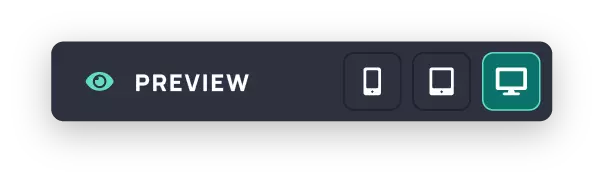
Live responsive preview
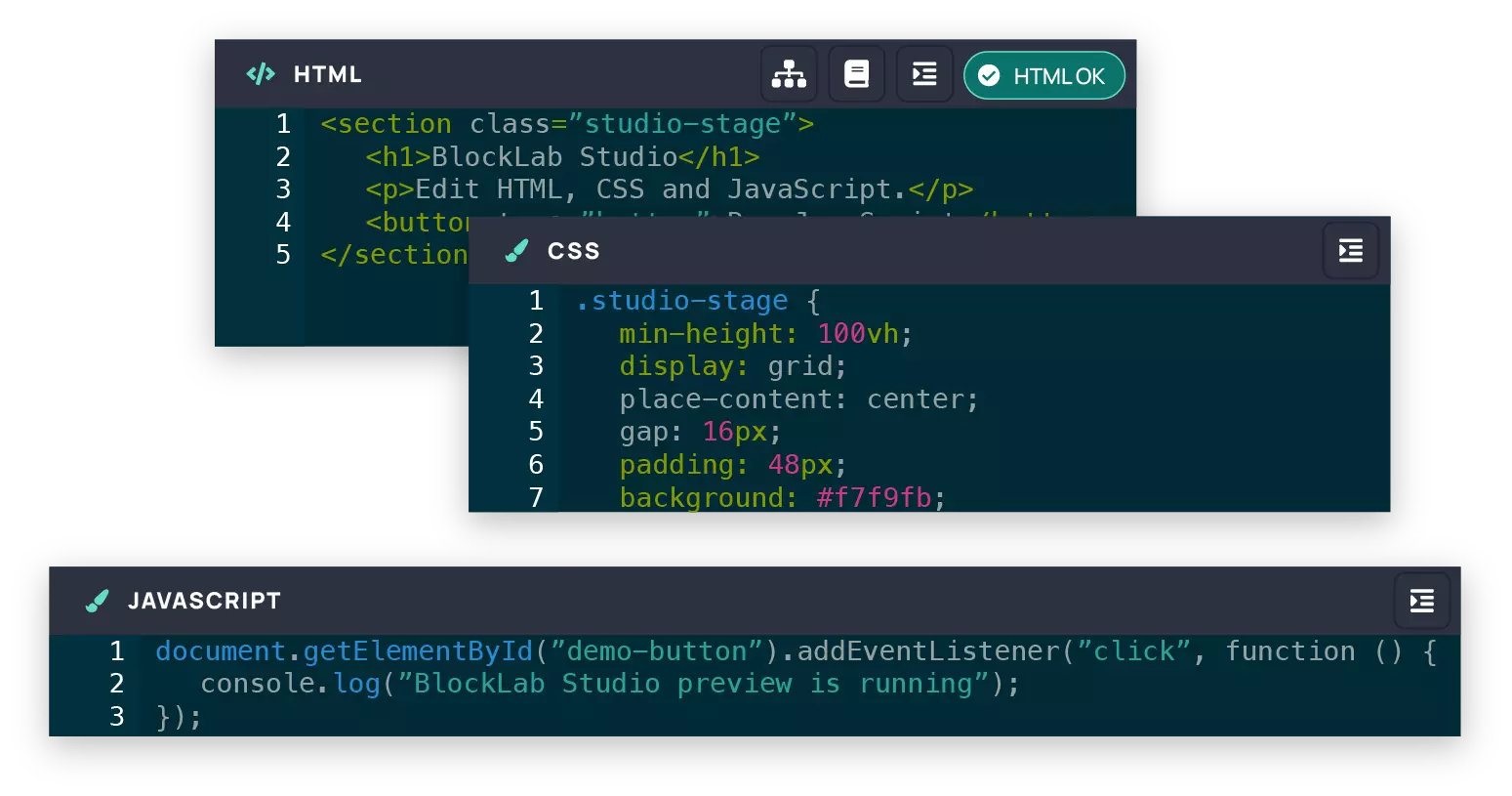
Create a distinctive storefront that reflects your brand and gives you greater control over the customer experience, from flagship landing pages to individual product layouts.
Deliver bespoke client work efficiently, using reusable components, copyable designs and controlled publishing to move projects from concept to launch with confidence.
Work in familiar languages with direct access to store data through Twig, the freedom to use external libraries, and live feedback throughout the build.
Design, connect, preview and publish without leaving the editor.
Build your layout in the HTML, CSS and JavaScript editors, drawing on reusable BlockLab content and your preferred libraries.
Bring in live product, category and page data through Twig so every page reflects your store.
Review your design across mobile, tablet and desktop views as you work.
Choose the products, categories, pages or groups the design applies to, then publish when you are ready.
Campaign Builder
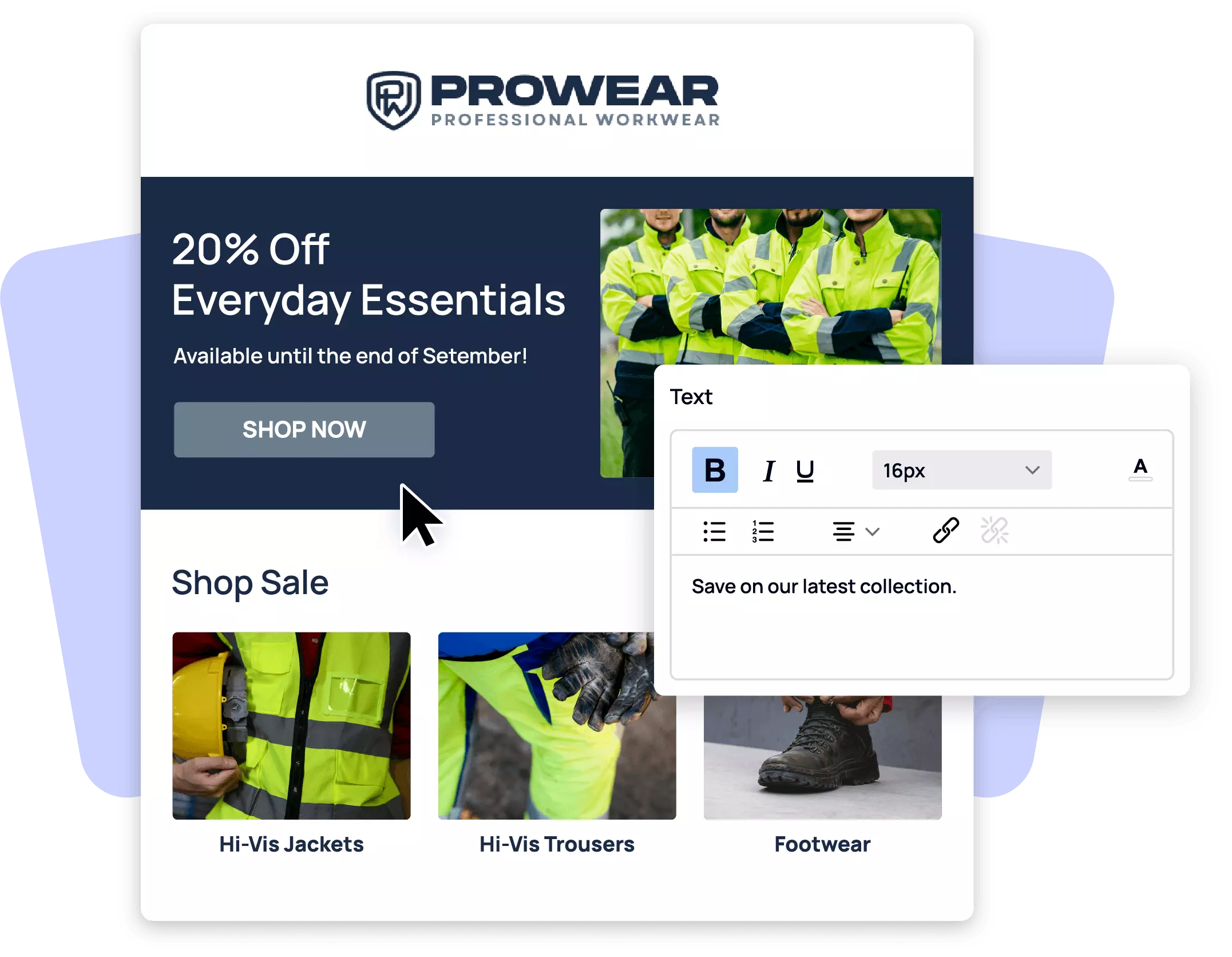
Build and edit campaigns, welcome emails, and abandoned cart emails in a single drag and drop designer. Reorder, add, and edit content blocks directly. Changes autosave and preview instantly, with full undo/redo support.
Segmentation
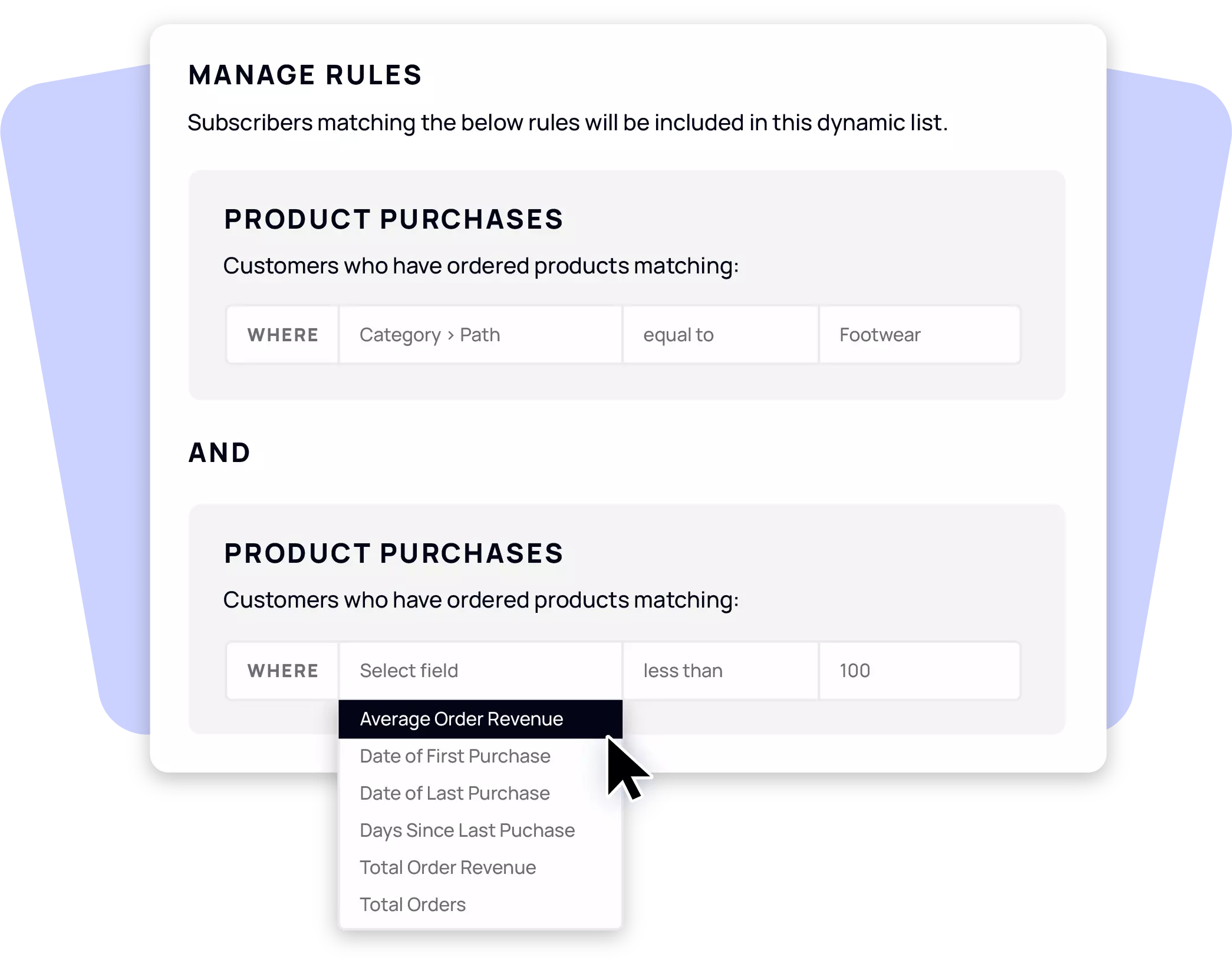
Build a segment of subscribers based on the products they've purchased, and send campaigns to exactly the customers most likely to act on them.
Automation
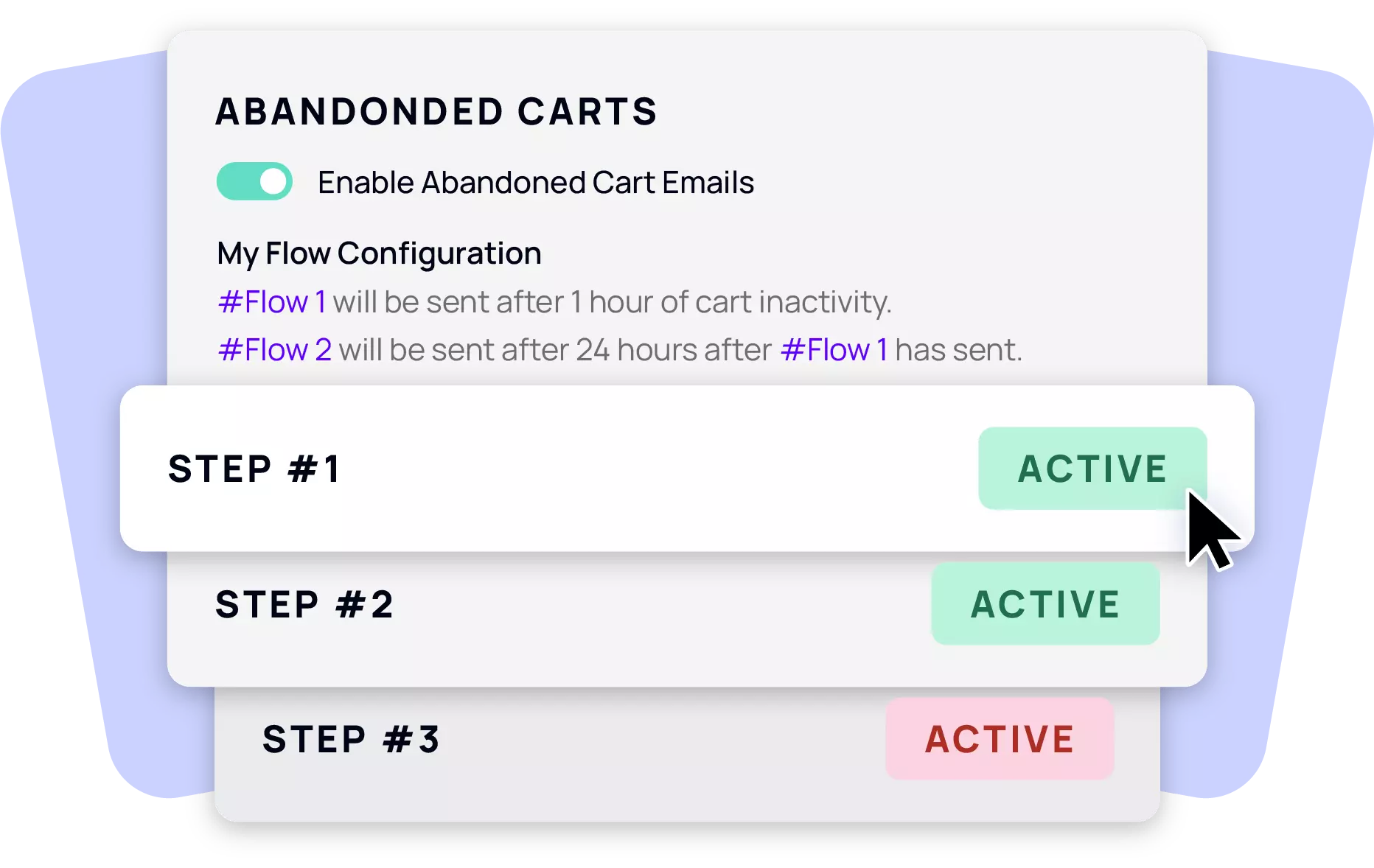
Both now run through the same new designer as your campaigns, including a dedicated basket block for abandoned cart emails, with live product data pulled fresh at send time.
Deliverability
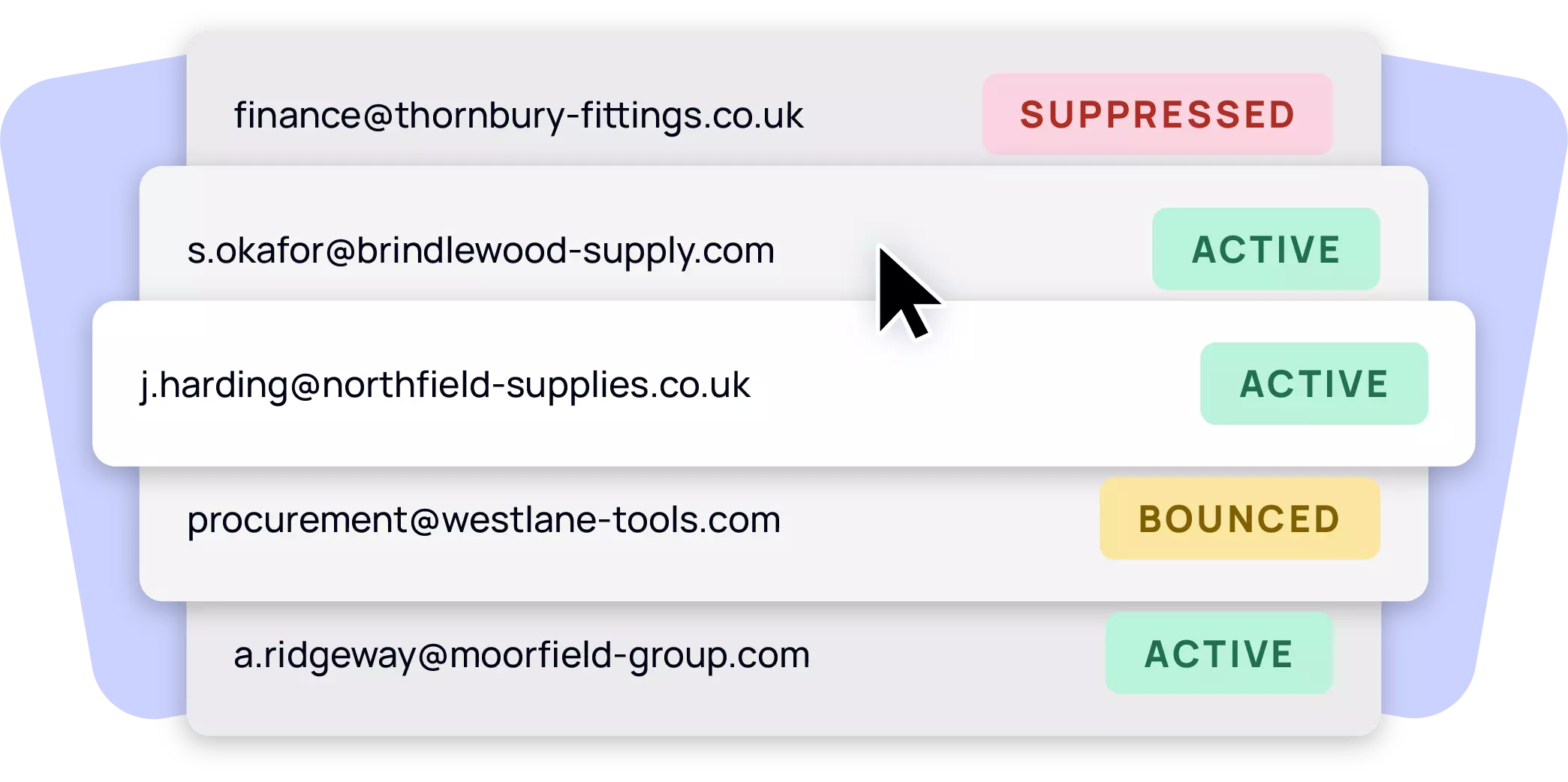
Hard bounces and spam complaints are handled automatically, keeping your sender reputation healthy without manual clean up.
Analytics
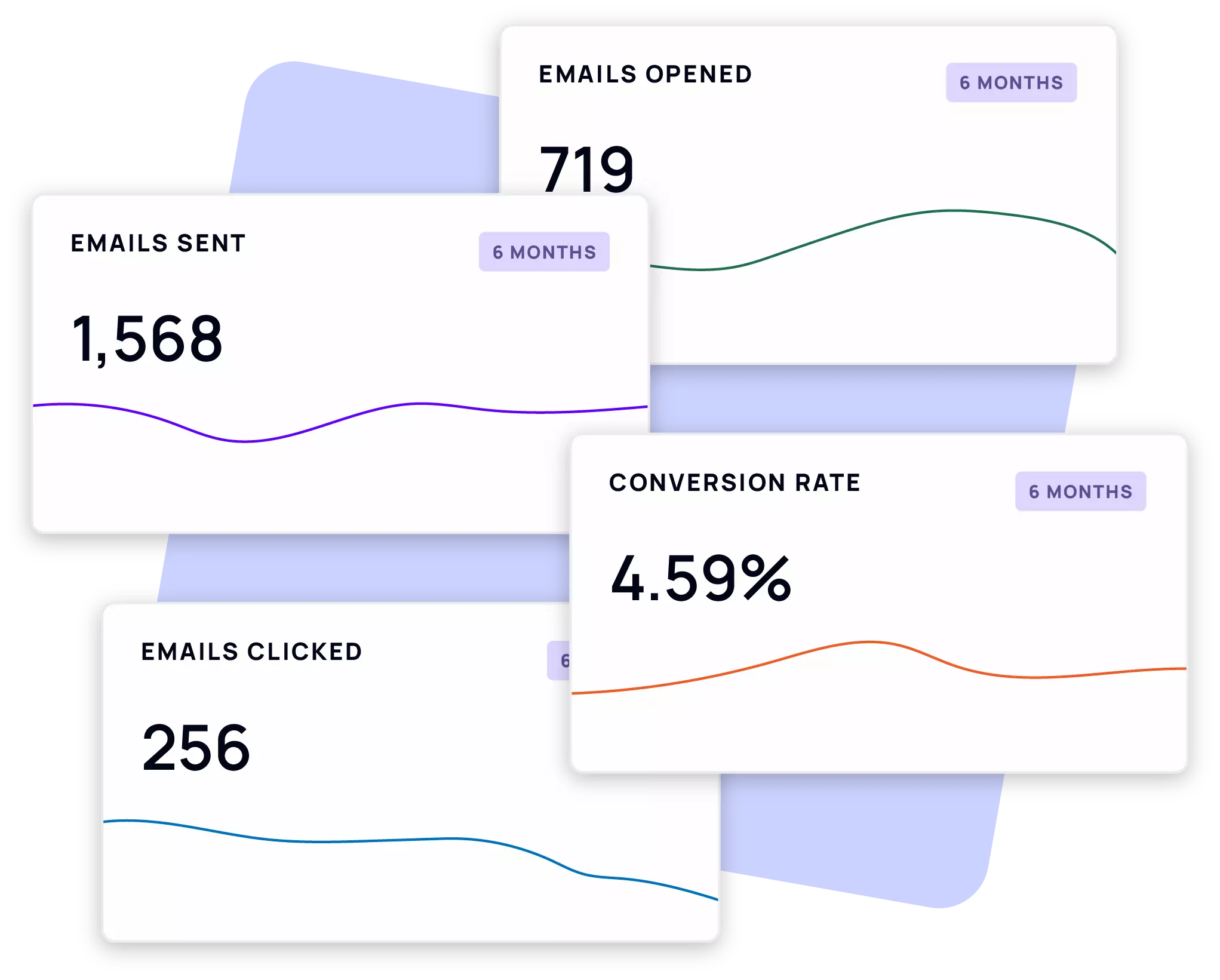
Opens, clicks, orders placed, and revenue recovered. Tracked per campaign, per welcome email, and per abandoned cart step.
A completely redesigned email designer
Build and edit campaigns, welcome emails, and abandoned cart emails in a single drag and drop designer. Reorder, add, and edit content blocks directly. Changes autosave and preview instantly, with full undo/redo support.
BlockLab Studio is a code based workspace built around HTML, CSS and JavaScript, so it is best suited to designers and developers comfortable working with code, or merchants supported by an agency or development partner.
Yes. Existing BlockLab content, including headers, footers, blocks, zones and add to basket controls, can be included in any design.
No. Work is saved automatically, but publishing is a separate step, so nothing reaches your customers until you choose to publish it.
Yes. Page assignments let you apply a design to selected products, categories, pages or groups, and you can activate or deactivate those assignments at any time.
Revision history lets you review earlier versions of a design and restore them whenever needed.
BlockLab Studio is a code based workspace built around HTML, CSS and JavaScript, so it is best suited to designers and developers comfortable working with code, or merchants supported by an agency or development partner.
Yes. Existing BlockLab content, including headers, footers, blocks, zones and add to basket controls, can be included in any design.
No. Work is saved automatically, but publishing is a separate step, so nothing reaches your customers until you choose to publish it.
Yes. Page assignments let you apply a design to selected products, categories, pages or groups, and you can activate or deactivate those assignments at any time.
Revision history lets you review earlier versions of a design and restore them whenever needed.


Discover how BlockLab Studio helps your team create bespoke commerce experiences with creative freedom, live feedback and complete control over what goes live.